Admin Tools
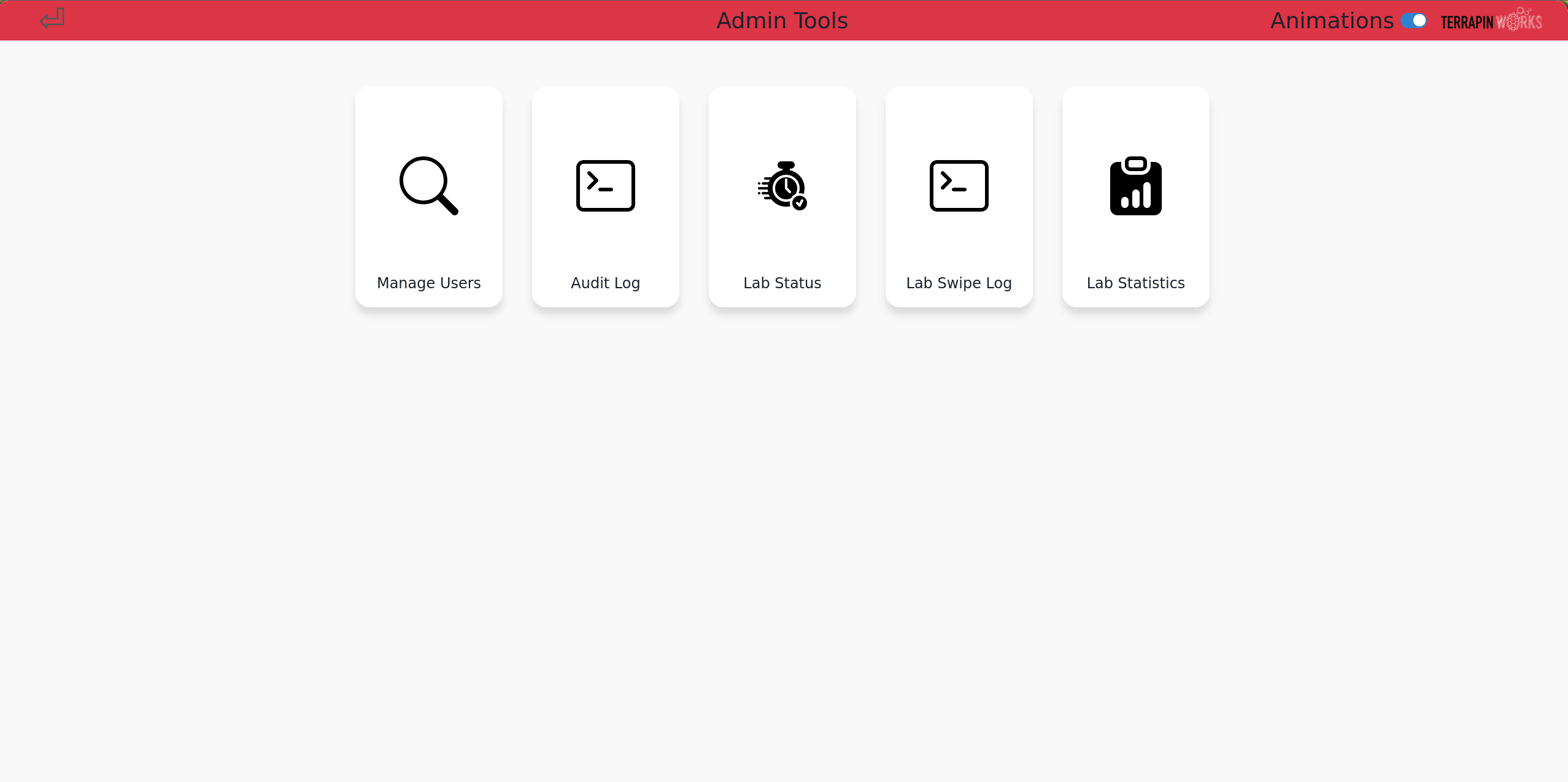
Guides for Pinpoint admin tools. Admin tools are designed to help lab admins debug Pinpoint issues.
Accessing Admin Tools
Using the Kiosk
- Swipe your UID at the kiosk.
- When prompted, select "Continue as Admin".
- Enter your PIN if required.
- Select your lab
- Press "Admin Tools"
Using the Website
- Go to https://pinpoint.umd.edu
- Login with UMD CAS
- Press
Adminlandin the top right corner next to your profile picture - Select your lab
- Press "Admin Tools"